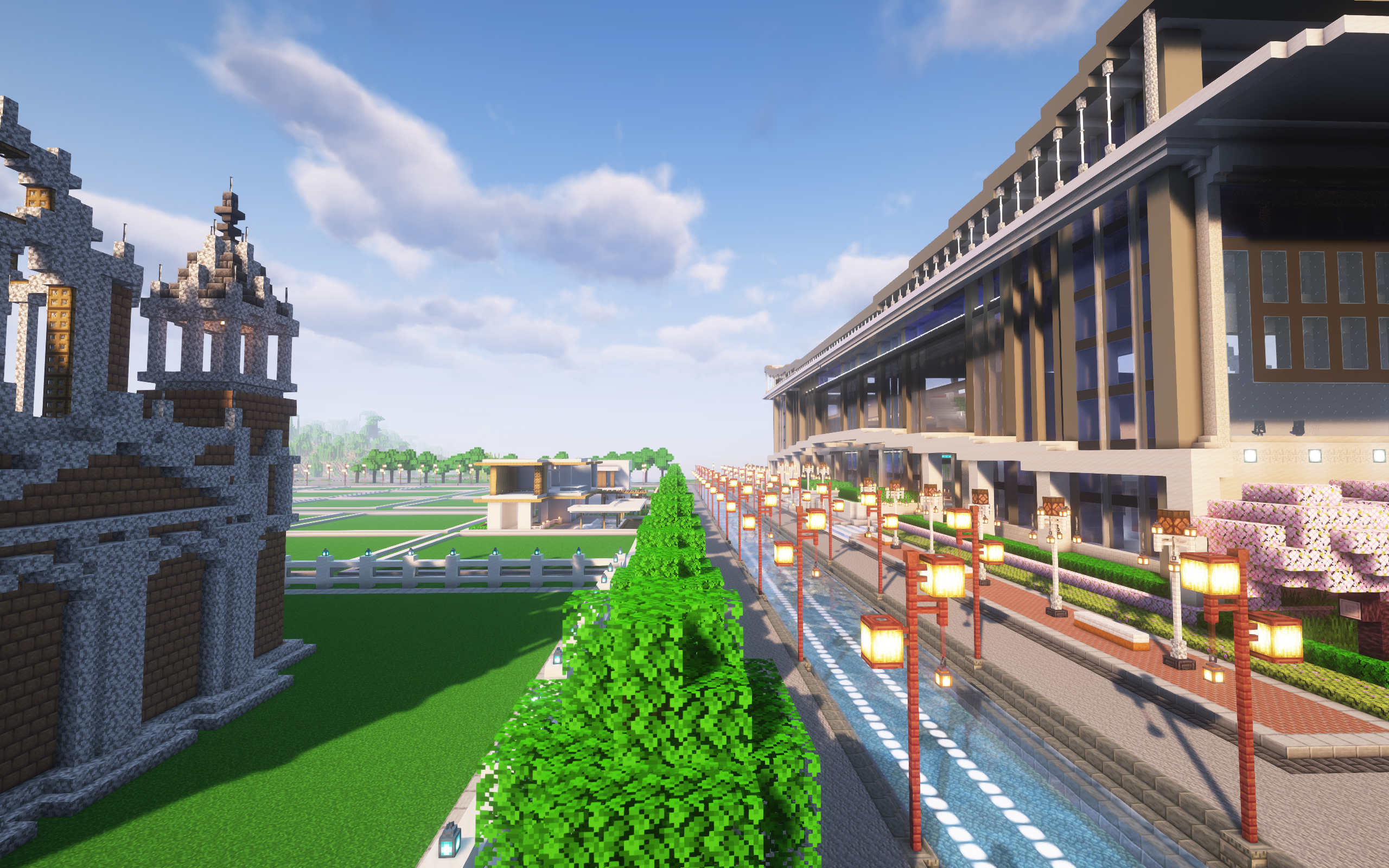
截止2026年1月19日,我服(purpur)使用的是Custom Images-2.5.9版本。
spigot链接:https://www.spigotmc.org/resources/custom-images.53036/
插件概述:
原文:
You can load any image doesn't matter the size (within reason), however, it should be kept in mind that all blocks are 128x128 pixels. So, if your image is massive then it may take a lot of blocks to display and may also lag the client.
On that note, images are rendered better if they are in increments of 128 pixels, but it doesn't make too much of a difference since it is resized in the background to fit regardless. These images below are examples of random images that I loaded into the game to be displayed.
Any image format that Java can support is also supported.
However, types other than PNG or JPG/JPEG may not be displayed in the list command.
To add an image without clicking a block, hold an item in your hand when creating the image and right click anywhere in the air; the image will be placed in front of you.
Note that horizontal images are supported in 1.13+
译文:
您可加载任意尺寸的图像(在合理范围内),但需注意所有游戏方块均为128x128像素。因此若图像尺寸过大,则需大量方块进行展示,并可能导致客户端卡顿。
需特别说明的是,若图像尺寸为128像素的整数倍,则显示效果更佳。不过由于图像在后台会自动调整适配,这并非强制要求。以下示例为我载入游戏中展示的随机图像。
本程序支持Java可读取的所有图像格式。但需注意,除PNG或JPG/JPEG格式外,其他格式的图像可能无法在列表命令中正常显示。
若要在不点击方块的情况下添加图像,请手持物品并在空中任意位置右击;图像将生成于您正前方。
请注意,水平方向图像在1.13及以上版本中已获得支持。
游戏内命令:
/image create <图片名称> [缩放百分比] 创建并开始粘贴新的自定义图片
/image delete 点击要删除的图片将其删除
/image delete near <范围> 删除范围内的图
/image list 显示可添加图片的选项列表
/image transfer 将图片转移到新的数据库
未完待续......